Dinoville

Your child can play in one language, or hear new words in a second language after each right answer.
You can change this anytime on the grown-ups page.
Please answer to continue
Found something broken, or have an idea? Tell us and we will read every message.
We keep only what you type here and the browser type, to fix the game. Nothing about your child is sent.
Dinoville is made to be explored together. These tips help you play along and get the most from each place.
Tap the small map in the corner to open the whole town. The map key lists every place with its picture. Tap a picture in the key and that place glows on the map. Tap a place on the map to walk there.
Tap Find it to play the map game. First the place glows in the key so your child can match the picture. Next, they use the key on their own. Then the game asks what is next to what. It gets harder after three right answers in a row and easier after a miss, all on its own.
Questions or ideas? Write to support@dinoville.app.
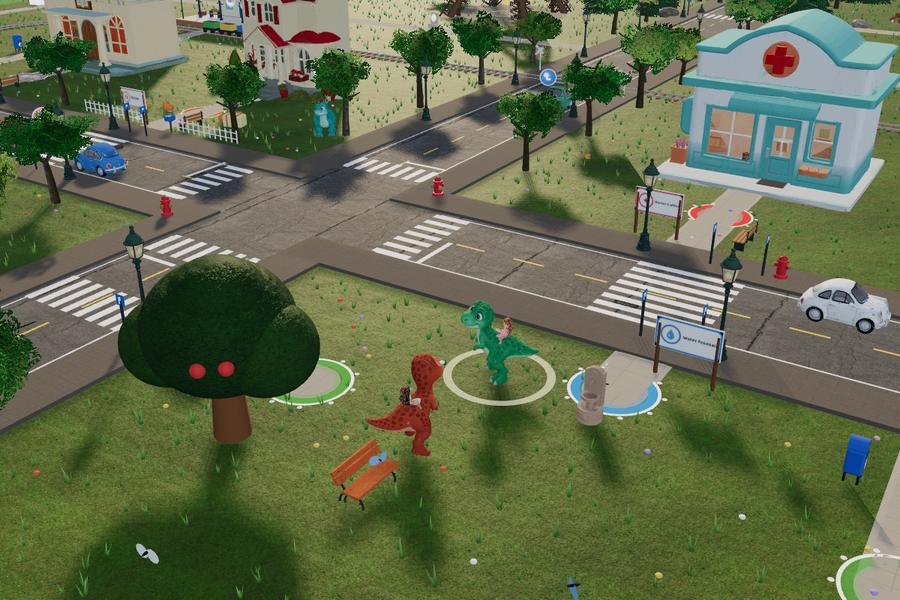
Dinoville is a short, calm game for ages 2 to 6, built to be played together. Your child rides a dino around a small town and plays short learning games: letters and words, counting, shapes, colors, music, science, sharing and everyday routines, in English, French or Spanish.
Every game shows a colored badge so your child knows what kind of game is coming. The same badge means the same kind of thinking everywhere in town.
After a right answer, the game says the word again in the language your child is learning, with a natural voice. The word of the day uses it too.
When time is up, the dino gets sleepy and the game ends gently with a goodnight screen. Only a grown-up can start it again.
Tap to walk works for everyone. The joystick lets your child steer with a thumb, like a game controller. Pick the side that fits their hand.
Pick a place on the map and the dino walks there by itself, or your child finds the way with the guide arrow.
Cinematic adds soft shadows, depth of field and light glow. Battery saver looks simpler but uses less power.
When your child is idle for a while, a gentle hint and a floating arrow suggest something to see or play. Turn the arrow off when your child no longer needs it.
The natural voice is built into the game and works offline. With the device voice, pick a style, then choose the voice that sounds best to your child. For the most natural voices, download an "Enhanced" or "Premium" voice on the iPad in Settings, Accessibility, Spoken Content, Voices.
The game watches its own speed and lowers effects if the iPad struggles. Turn on the counter to see frames per second (smooth is 50 or more).
Built on the "four pillars" researchers use to judge whether a children's app is truly educational:
Let's play again later.